

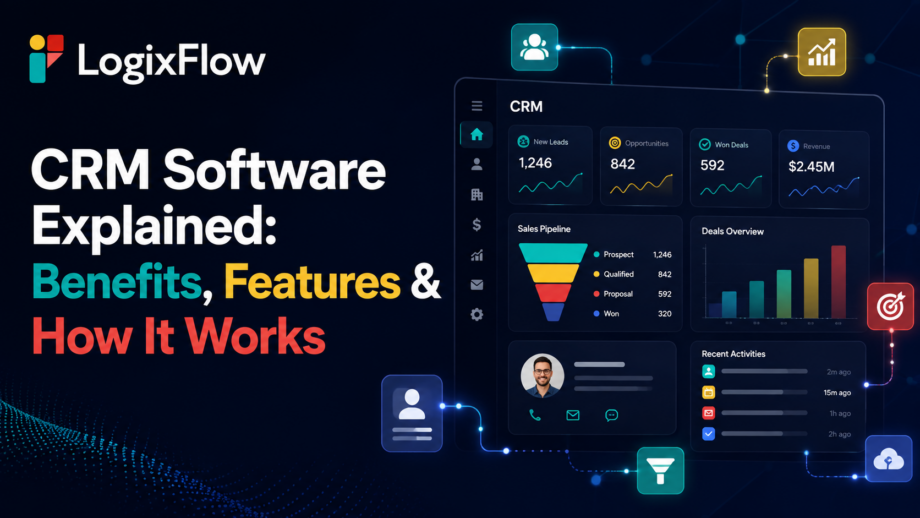
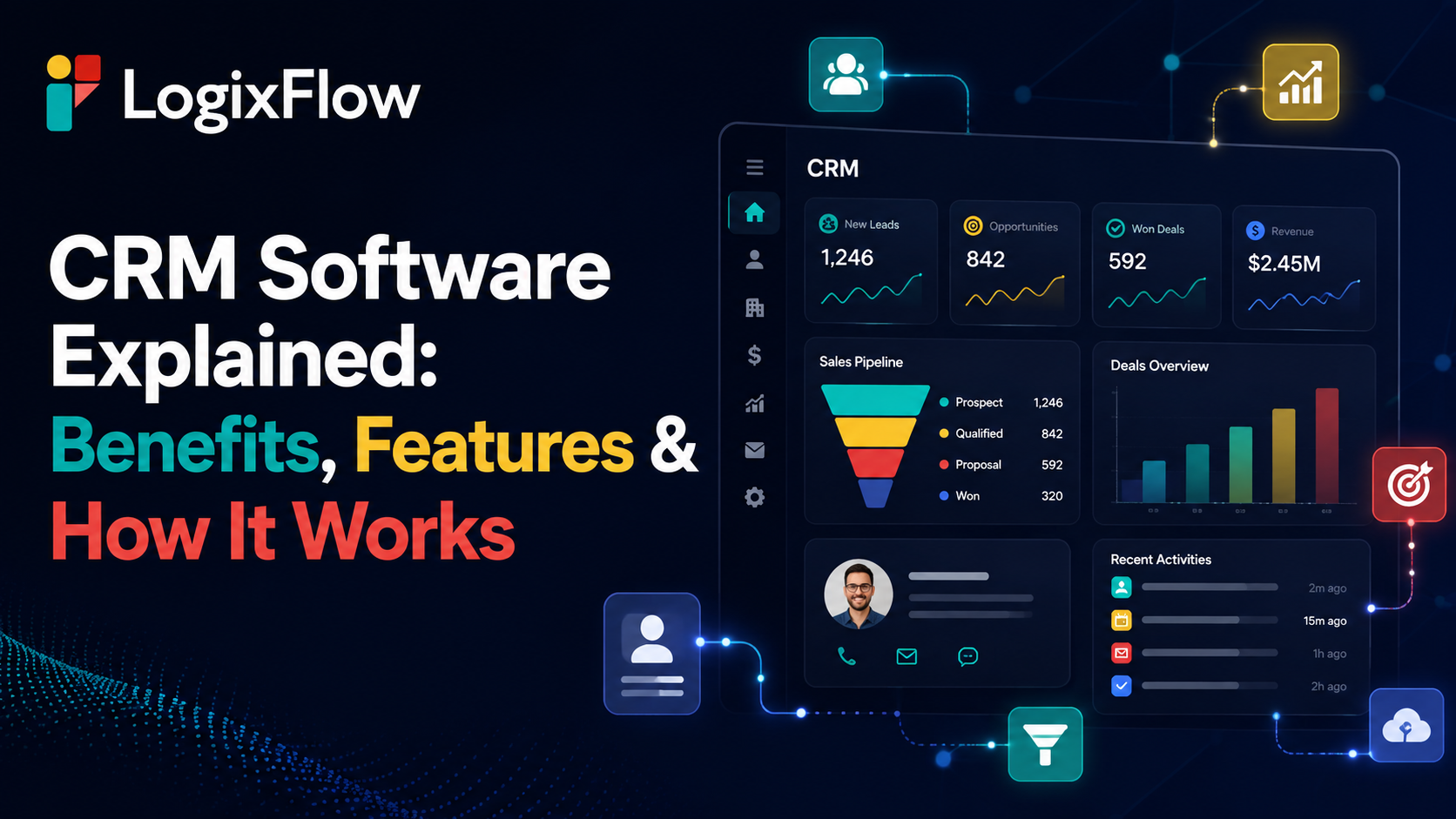
CRM Software
Secrets slip through the cracks. Client details disappear into spreadsheets, emails, and forgotten calls. Good CRM software stops the bleeding. It is not just a digital Rolodex. These systems collect, organize, and act on your data. Let us decode how they run logistics and supply chains.
What Is CRM Software?
Defining the tool helps us use it right. At its core, customer relationship management software catches every client interaction before it fades away. Managing relationships is a human practice, but the tech makes it possible. A modern setup catches information, organizes activity, and triggers the next move. It is not just a dashboard. A smart system connects client secrets with your next physical action.
How Does a CRM Work?
Most guides tell you what the system is but hide the mechanics. Let us lift the hood.
Capture
Data sneaks in through forms, calls, and emails. Sales inquiries and connected business applications feed the machine.
Organise
The machine sorts raw details. It builds leads, accounts, and active deals while tracking communication history.
Trigger
The system wakes up. It fires off approvals, assigns tasks, and sends automated alerts.
Analyze
The numbers reveal the truth. You uncover conversion patterns, pipeline visibility, and service trends.
Customer interaction > Data capture > Customer record > Workflow/action > Team response > Outcome > New data
Core CRM Features
Instead of an endless checklist, let us group these tools by what they actually achieve. Good CRM software makes these features invisible but essential.
Contact Management
Centralized profiles hold the entire history. You get account details and private notes in one place.
Lead Management
This captures and qualifies new blood. It manages assignments and tracks lead stages.
Sales Pipeline
Track deal stages and expected outcomes clearly. It provides total pipeline visibility.
Communication Tracking
Emails and calls get logged automatically. Customer conversations are never lost.
Automation
Say goodbye to manual clicks. Rules handle repetitive handoffs and stop missed follow-ups.
Reporting & Analytics
Dashboards show metrics in real time. Trend analysis keeps you informed.
What Are the Capabilities of a CRM Platform?
People constantly ask what are the capabilities of a CRM platform are when they really want to fix a broken process. It breaks down into four layers. Data handles accounts. The process runs tasks. Intelligence offers predictive trends. Integration connects your accounting and eCommerce tools. Remember, a dashboard is a feature. Giving a manager real-time pipeline visibility is a true capability.
Benefits of CRM Software
Let us look at the real benefits of CRM software instead of generic promises.
One Customer View
Teams work from one shared truth rather than digging through isolated apps.
Fewer Missed Follow-Ups
The machine remembers tasks, so you do not have to rely on spreadsheets.
Faster Decision-Making
Managers see the current pipeline reality instead of fragmented reports.
Better Team Handoffs
Sales and operations share the exact same notes.
More Consistent Processes
Strict workflows kill wild variations in daily activities.
Easier Scaling
You grow without breaking down or forcing manual tracking.
Better Customer Context
Every chat picks up right where the last one left off.
What Is a CRM Executive?
The tool needs a master. If you wonder what is a CRM executive, the answer is pretty straightforward. They are the human running the machine. They maintain records, track leads, and manage communication campaigns. While the platform stores the data, the executive uses that data to run customer-facing operations.
CRM Beyond Sales
The tech goes way past closing deals. Understanding what are the capabilities of a CRM platform in marketing are means tracking campaigns. Customer service relies on it for issue tracking. Operations needs it for workflow coordination. Management wants it for revenue forecasting. For contractors and interior designers, handling materials means moving heavy freight. This leads us directly into specialized logistics.
Where LogixCRM Fits
LogixFlow built LogixCRM for the messy world of freight forwarding and warehouses. Industry context is everything. A basic CRM software knows about leads. A logistics business deals with shipping containers, compliance documents, and carriers. The LogixFlow ecosystem covers the whole map. You get LogixCRM for relationships. Forms handle feedback. LogixDocs manages files. They also offer LogixDMS for delivery proof, FreightNX for billing, Logix Canvas for dashboards, and Studio for custom apps.
CRM + Automation: The Hidden Layer
The real trick happens out of sight. A lead comes in. The system assigns it. If you ask what is a CRM executive doing during this time, they are watching the automated operational workflow start. Finally, the client gets an update. LogixFlow uses a workflow model to run this chain. It connects your external tools and handles the heavy lifting automatically.
CRM Data Is Only as Good as Its Workflow
Bad data is a quiet killer. Duplicate records and missing fields destroy a system. To see the true benefits of CRM software, you need strict validation rules and ownership. Buying a platform does not magically clean your files. Regular data reviews keep the machine running.
How to Choose the Right CRM
Avoid basic checklists. Use a tight decision framework instead.
Start With the Process
What is broken right now?
Check Integration
Will it talk to your old tools?
Examine Automation
Can it handle repetitive chores?
Test Scalability
Will it survive your growth?
Consider Customisation
Can you change workflows without a developer?
Check Industry Fit
Evaluate what are the capabilities of a CRM platform regarding your specific daily grind.
CRM Software in Practice
Let us look at reality. A freight inquiry arrives. The customer relationship management software logs it. Sales gets the lead, and a quote is made. Connected workflows take over. Documents move, approvals pass, and the client gets notified. The database acts as a living operational chain.
CRM Is Becoming an Operating Layer
We are moving toward predictive insights and real-time data access. Advanced CRM software uses interconnected AI agents to automate tasks. The focus is shifting. It is no longer about recording what happened yesterday. It is about coordinating exactly what needs to happen next.
Conclusion
Customer tracking means nothing without action. Generic systems solve basic problems, while specialized tools resolve complex bottlenecks. The right customer relationship management software handles the heavy lifting. Knowing what is a CRM executive, proves that humans still direct the strategy. You unlock the absolute best benefits of CRM software when data links directly with logistics. Choose your CRM software wisely.
Acronyms Used in the Article
- CRM: Customer Relationship Management
- ERP: Enterprise Resource Planning
- POD: Proof of Delivery
- BI: Business Intelligence
- AI: Artificial Intelligence
FAQs
1. What is CRM software?
CRM software helps businesses organise customer data, track interactions, manage leads, and streamline customer-related workflows.
2. What are the capabilities of a CRM platform?
A CRM platform can manage customer data, automate workflows, track sales, generate reports, and connect with other business systems.
3. What are the benefits of CRM software?
The benefits of CRM software include better customer visibility, fewer missed follow-ups, smoother team coordination, and more organised sales processes.
4. What is a CRM executive?
A CRM executive manages customer records, tracks interactions, monitors leads, handles follow-ups, and uses CRM data to support customer operations.
5. How does customer relationship management software work?
Customer relationship management software collects customer information, organises it into usable records, automates tasks, and helps teams act on customer data.